
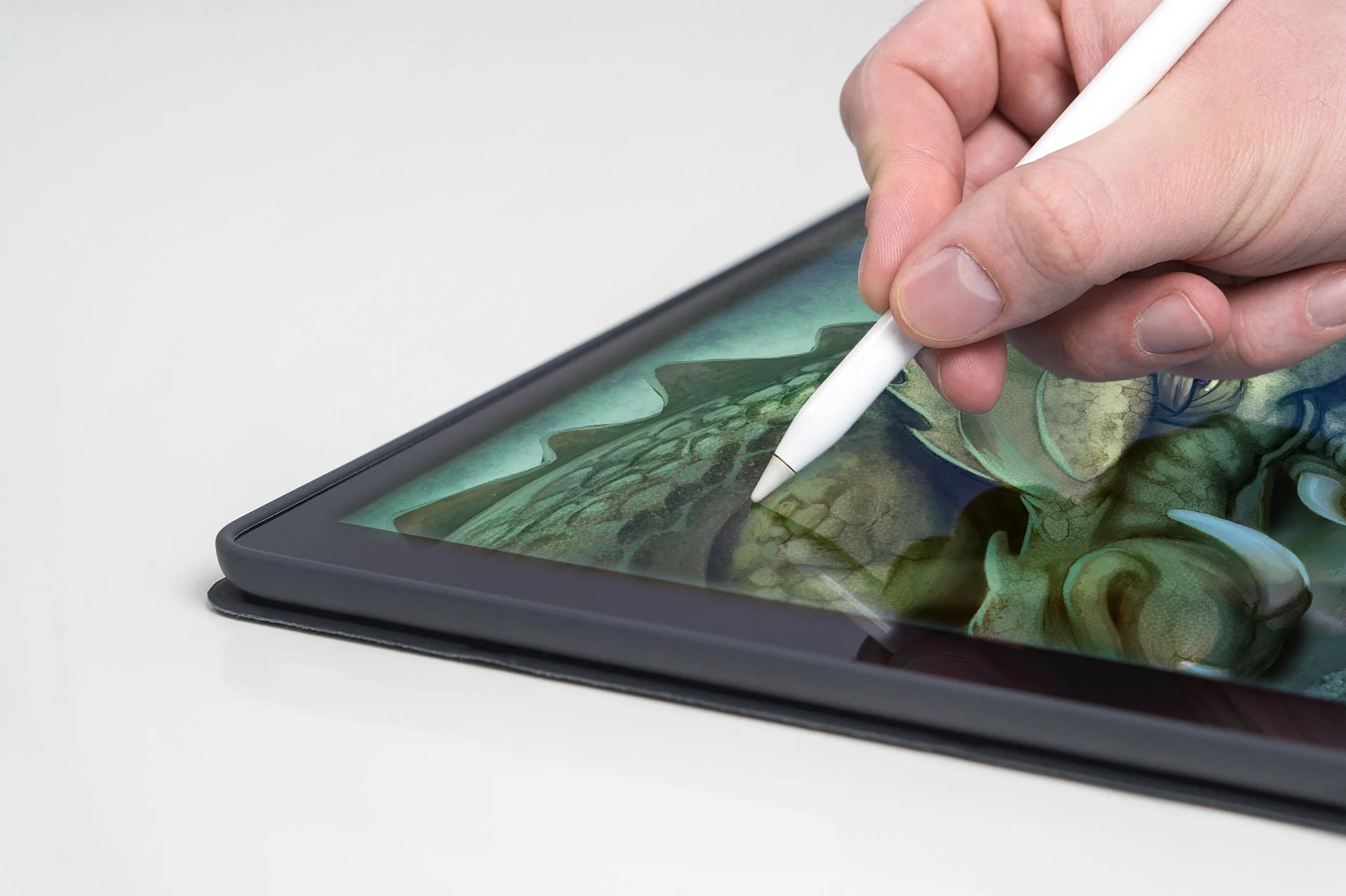
Procreate Essentials
“Your iPad, finally doing what you want it to.”
Runs twice a year · 8 weeks · Digital
Runs twice a year · 8 weeks · Digital
Winter: Feb 1 – Mar 28 · Classroom opens Jan 25 · Midpoint Q&A Sat, Feb 27 · Wrap-up Q&A Sat, Apr 3 · Access closes Apr 18
Fall: Sep 27 – Nov 21 · Classroom opens Sep 20 · Midpoint Q&A Sat, Oct 23 · Wrap-up Q&A Sat, Dec 4 · Access closes Dec 12
Procreate is the most popular way to start painting digitally — and the most frustrating when nobody shows you how. In eight weeks, you'll go from opening the app to a finished, polished illustration: brushes, layers, selections, color, light, and a clean workflow you'll use on everything after.
Who it's for: Beginners to Procreate and traditional artists making the jump to iPad.
What you'll learn
Week 1 — Canvas, gestures and the interface
Week 2 — Brushes: using, adjusting and importing
Week 3 — Layers, masks and clipping
Week 4 — Clean line art
Week 5 — Color and blending
Week 6 — Light and shadow with blend modes
Week 7 — Texture, effects and finishing
Week 8 — Final illustration and export
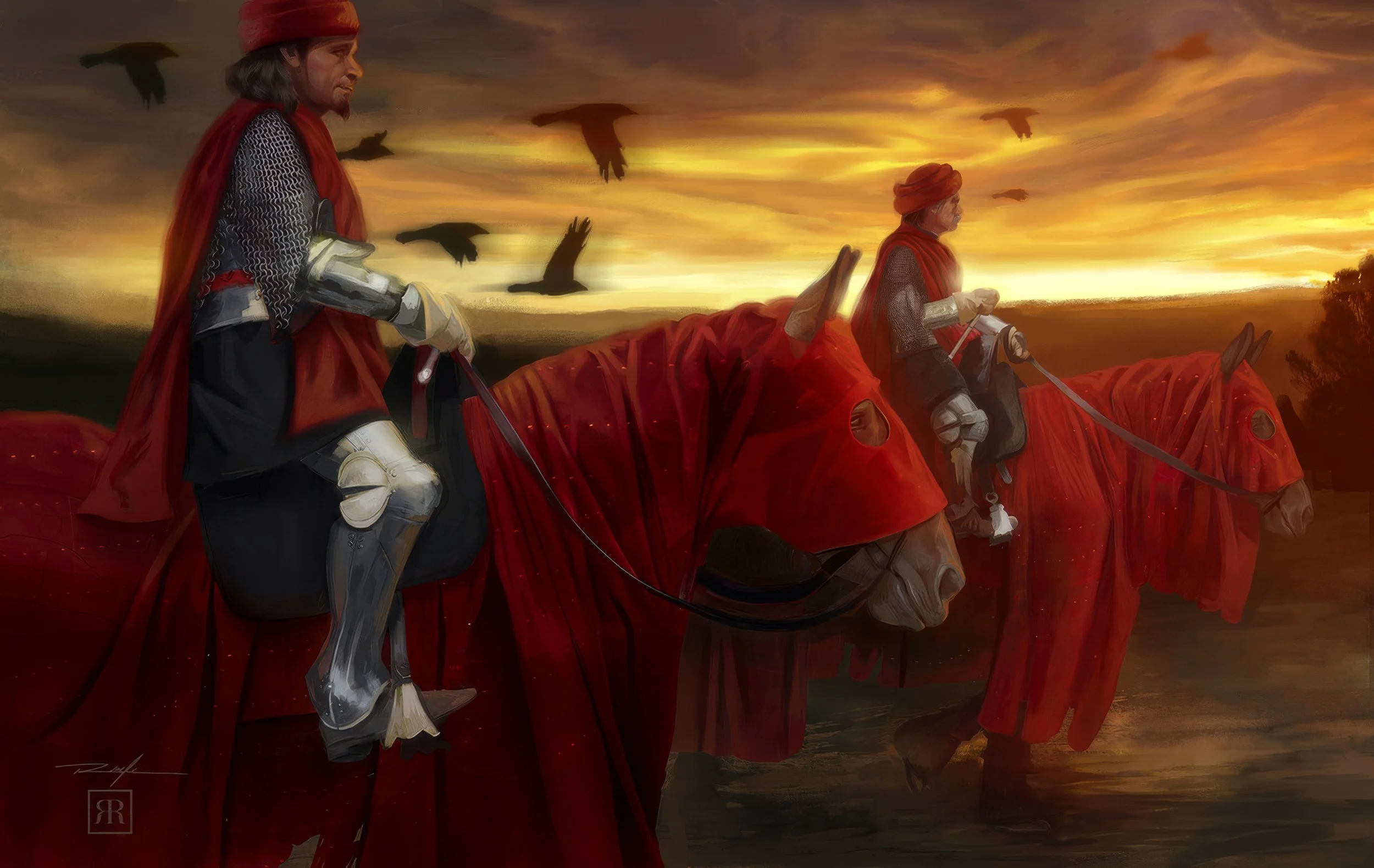
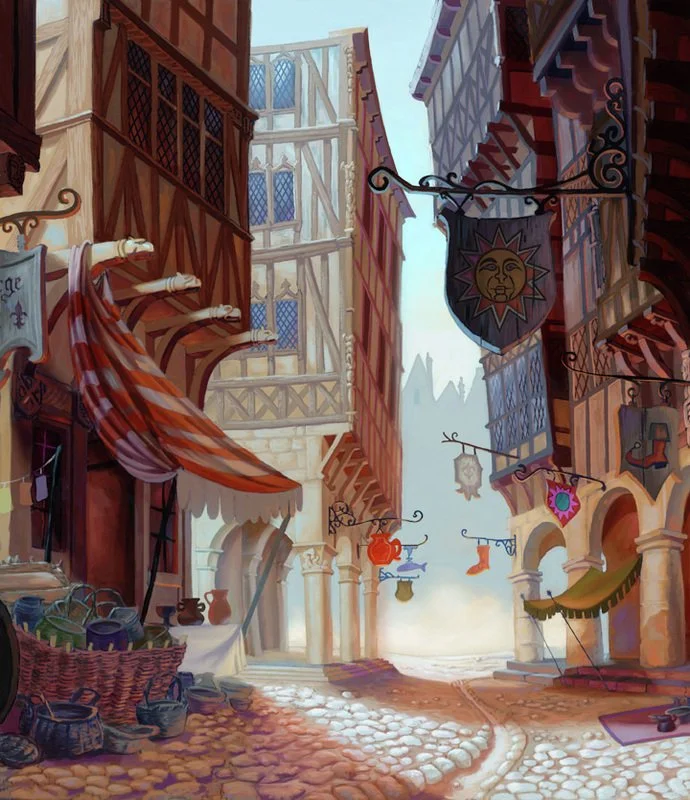
What you'll make: A finished digital illustration and a custom brush set.
Paint with confidence and precision.

How this course works
Self-Paced · Released weekly · Prerecorded — not taught live
This course is pre-recorded. Robert isn't teaching it live. Instead, a new module unlocks every Monday, and the whole class moves through it together, one week at a time — so you can't jump ahead, but within each week, you watch and work whenever it fits your schedule.
-
✺
Early access. Your classroom opens one week before the start date. Meet your cohort, get your supply list and watch the welcome video.
-
✺
New module every Monday. One video lesson and one assignment.
-
✺
Post your homework by Saturday at 11:59 pm PT in the course thread.
-
✺
Feedback starts Sunday (With Pro Feedback). Your work is reviewed by Robert or one of his industry professionals, with thorough feedback back within 2–7 days — a recorded video critique, a draw-over on your image, or written notes in your thread.
-
✺
Two live Q&As with Robert on Zoom (With Pro Feedback). One at the midpoint and a wrap-up after the final week, held on Saturday mornings and recorded.
-
✺
Access closes 3 weeks after the course ends for everyone.
Who reviews your Work?
Every feedback seat is reviewed by Robert or one of his industry professionals — working artists Robert trained himself. Each one follows Robert's critique method, so the standard is the same, whoever reviews your piece. And every student gets Robert himself in both live Q&As.
Limited Enrollment
Limited Enrollment
Runs twice a year · 8 weeks ·
[Digital]
Winter: Feb 1 – Mar 28 Classroom opens: Jan 25 Midpoint Q&A: Sat, Feb 27 Wrap-up Q&A: Sat, Apr 3 Access closes: Apr 18
Winter
Lessons Only $197
With Pro Feedback $997 (20 seats)
Early access. Your classroom opens one week before the start date. Meet your cohort, get your supply list and watch the welcome video.
New module every Monday. One video lesson and one assignment.
Post your homework by Saturday at 11:59 pm PT in the course thread.
Feedback starts Sunday (With Pro Feedback). Your work is reviewed by Robert or one of his industry professionals, with thorough feedback back within 2–7 days — a recorded video critique, a draw-over on your image, or written notes in your thread.
Two live Q&As with Robert on Zoom (With Pro Feedback). One at the midpoint and a wrap-up after the final week, Saturday mornings, recorded.
Access closes 3 weeks after the course ends for everyone.
Fall: Sep 27 – Nov 21
Classroom: opens Sep 20 Midpoint Q&A: Sat, Oct 23 Wrap-up Q&A: Sat, Dec 4 Access closes: Dec 12
Fall
Lessons Only $197
With Pro Feedback $997 (20 seats)
Early access. Your classroom opens one week before the start date. Meet your cohort, get your supply list and watch the welcome video.
New module every Monday. One video lesson and one assignment.
Post your homework by Saturday at 11:59 pm PT in the course thread.
Feedback starts Sunday (With Pro Feedback). Your work is reviewed by Robert or one of his industry professionals, with thorough feedback back within 2–7 days — a recorded video critique, a draw-over on your image, or written notes in your thread.
Two live Q&As with Robert on Zoom (With Pro Feedback). One at the midpoint and a wrap-up after the final week, Saturday mornings, recorded.
Access closes 3 weeks after the course ends for everyone.
✺ Frequently asked questions ✺
-
No. It's prerecorded, and a new module unlocks every Monday.
-
Saturday at 11:59 pm PT each week.
-
With Pro Feedback, Robert or one of his industry professionals reviews every assignment and replies within 2–7 days.
-
Catch up anytime until access closes, 3 weeks after the course ends.
-
Photoshop, Procreate, or Clip Studio. The course will use the Luminary System.
-
Yes — 20% off, applied automatically when you buy inside Nextgen.
-
A finished piece you can be proud of — see "What you'll make" above.
-
Full refund if you ask within the first week of the course — before Module 2 unlocks.